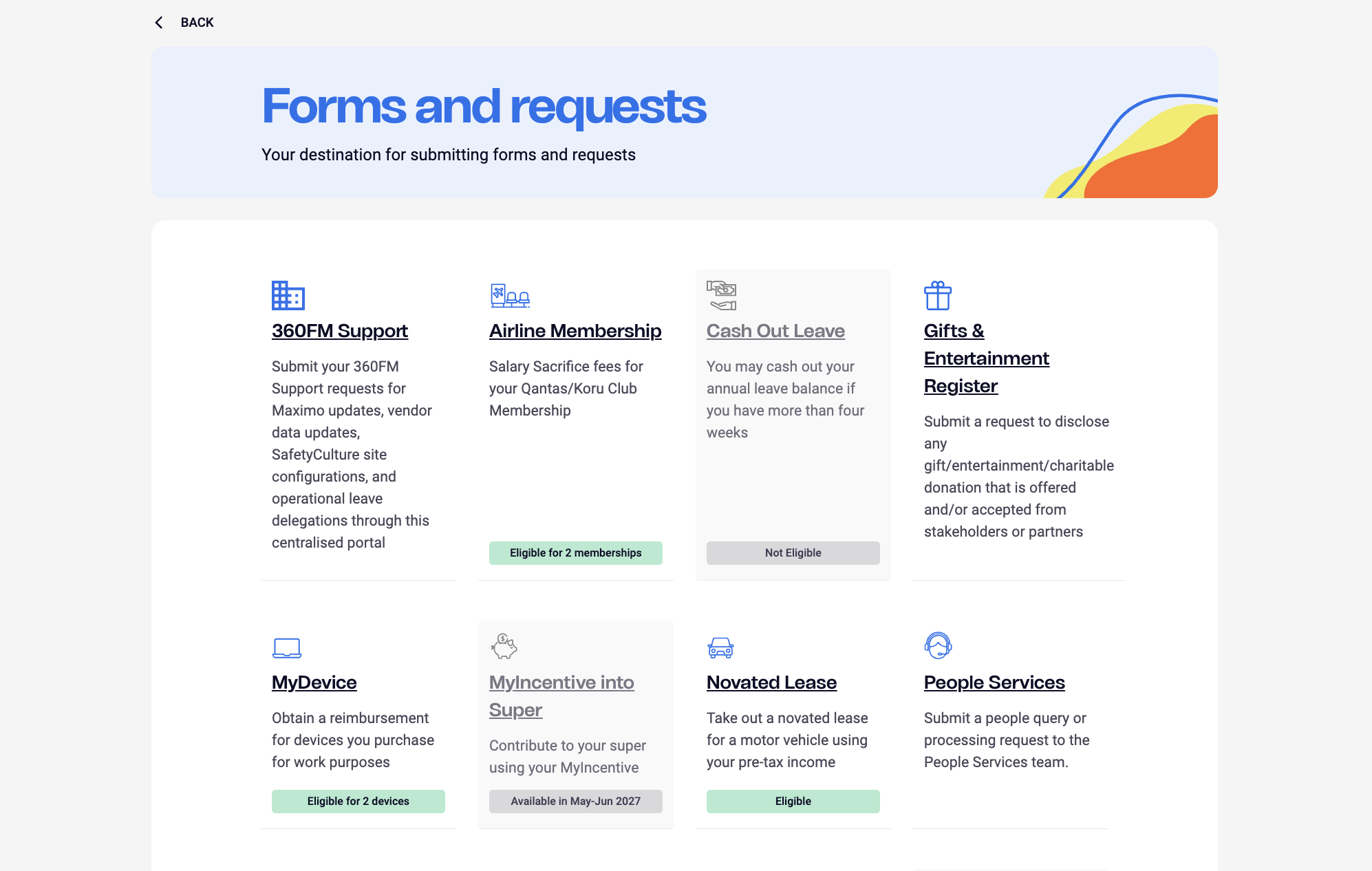
The existing forms were outdated, visually inconsistent, and failing team members at every step. I audited every active form flow — mapping logic errors, inaccessible components, and UX dead ends. Dropdowns were used interchangeably with radio buttons, mandatory fields weren't indicated, and error handling returned only a vague toast message with no guidance on what went wrong or where. Some conditional fields led to dead ends entirely. I documented every inconsistency before a single pixel was redesigned.
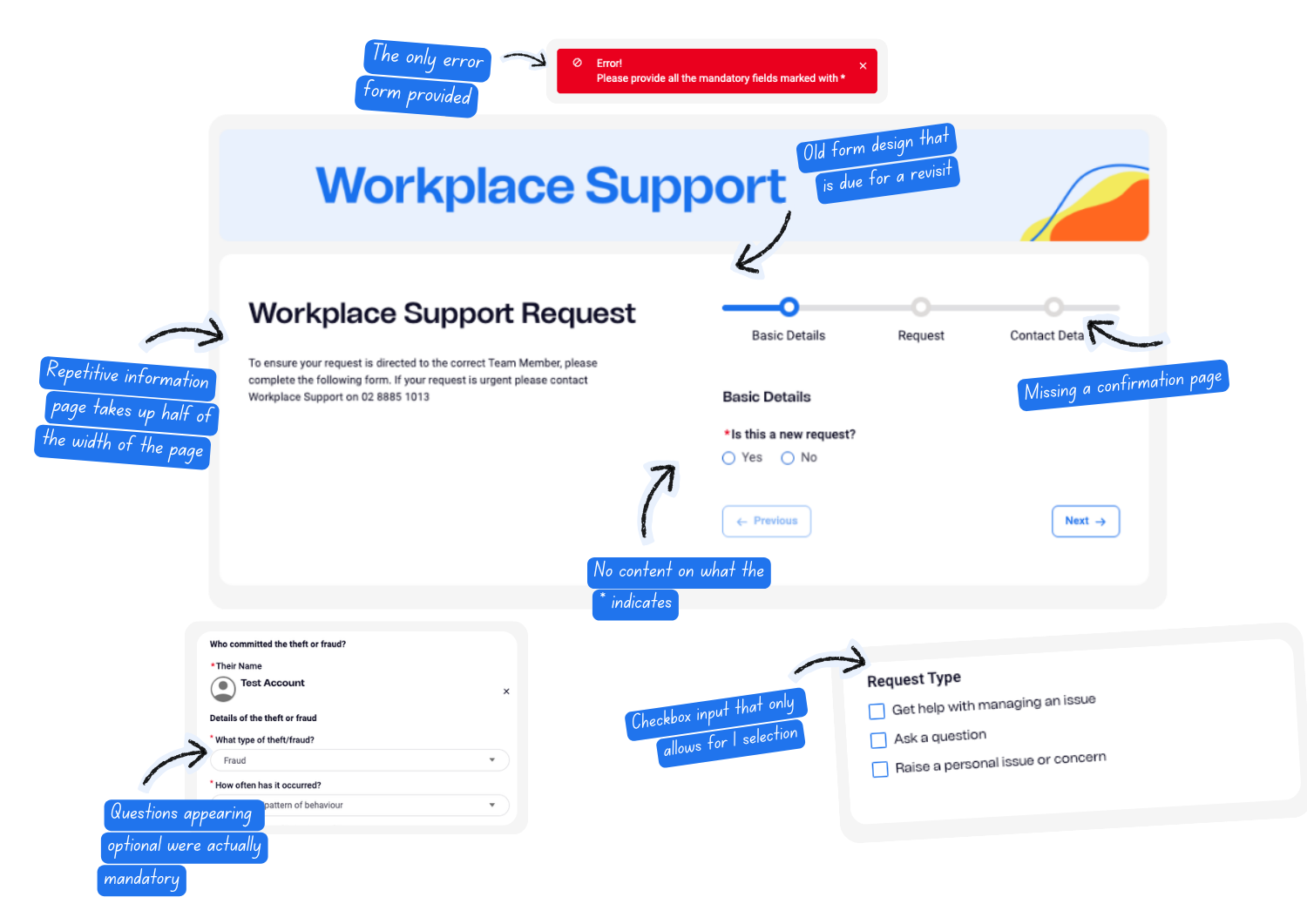
The old layout crammed form information and input fields onto the same page — a two-column structure that was inaccessible, spatially inefficient, and confusing for screen reader users. I redesigned the entire flow into a clear three-stage structure: an introduction page, the form itself, and a confirm and submit page. The introduction page gives users context before they commit — what the form is for, what they'll need, and how long it takes. The confirm and submit page solved the most prominent pain point — users previously had no way to review their answers before submitting, leading to incorrect submissions and wasted support time on both sides.
Every form flow was remapped from scratch. I audited each input field and corrected inconsistent component usage — standardising when to use dropdowns, radio buttons, and checkboxes based on context and number of options. Conditional logic paths that led to dead ends were identified and rerouted.
Previously, a single generic toast message was the only error feedback across all forms — giving users no indication of what was wrong or where. I replaced this entirely with two layers of error feedback: inline error messages directly beneath each invalid field, and a top-of-form error summary listing every issue with anchor links that jump the user to the exact field causing the problem. Every input type — text fields, dropdowns, radio buttons, checkboxes, date pickers — received a fully designed error state. These were built into the design library so they could be applied consistently across all future forms.
Once a form was submitted, users had no visibility into what happened next. I redesigned the request tracking experience — defining how pending, in-progress, and completed requests were displayed, what details were surfaced, and how status updates were communicated. I also designed a messaging panel within the tracking page, allowing team members to communicate directly with the workplace support person handling their request — reducing back-and-forth emails and giving users a single place to follow their submission from start to resolution.
I was provided the opportunity to design an agent embedded directly into the forms experience to further improve the form experience. I led this initiative from the ground up — defining the agent's name, avatar, message bubble design, and text input styling through to the full service flow. The agent lets users ask questions before committing to a form, redirects them to the correct form if needed, and if unable to help, guides them to submit a request for human support. This reduced unnecessary form submissions and gave users a faster path to the help they actually needed.
Seven priority forms were uplifted within scope — covering the most-used internal requests including workplace support, people services, leave purchasing, myIncentive Superannuation, and bring your own device. The new form template and structure I created has since been rolled out across all internal Woolworths forms, used by 200,000 team memers across AU and NZ. Every form now follows a consistent three-stage flow, uses standardised input components, surfaces meaningful error feedback, and incorporates agentic AI to improve the user experience.